Violet Night Widget Theme
The feeling behind the look
Visual consistency matters, but a strong setup starts with useful information. Violet creates a softer night mood than red or electric blue while still feeling imaginative. A strong violet iPhone widget theme begins with that feeling, then translates it into color, type, spacing, and image treatment.
For night owls, gamers, and users who want a calm futuristic palette, the goal is an evening theme that feels expressive without producing glare or muddy text—a direction that remains useful after the trend passes.
Build a palette with a clear hierarchy
Build the layout from the most time-sensitive detail outward. Use midnight violet, black plum, lavender, and cool white as the palette rule. Pick one dominant neutral, one recognizable accent, and one readable text color before adding gradients or texture.
Use deep violet gradients behind opaque dark cards and pale lavender accents. This connects different card layouts so the result feels curated rather than copied.
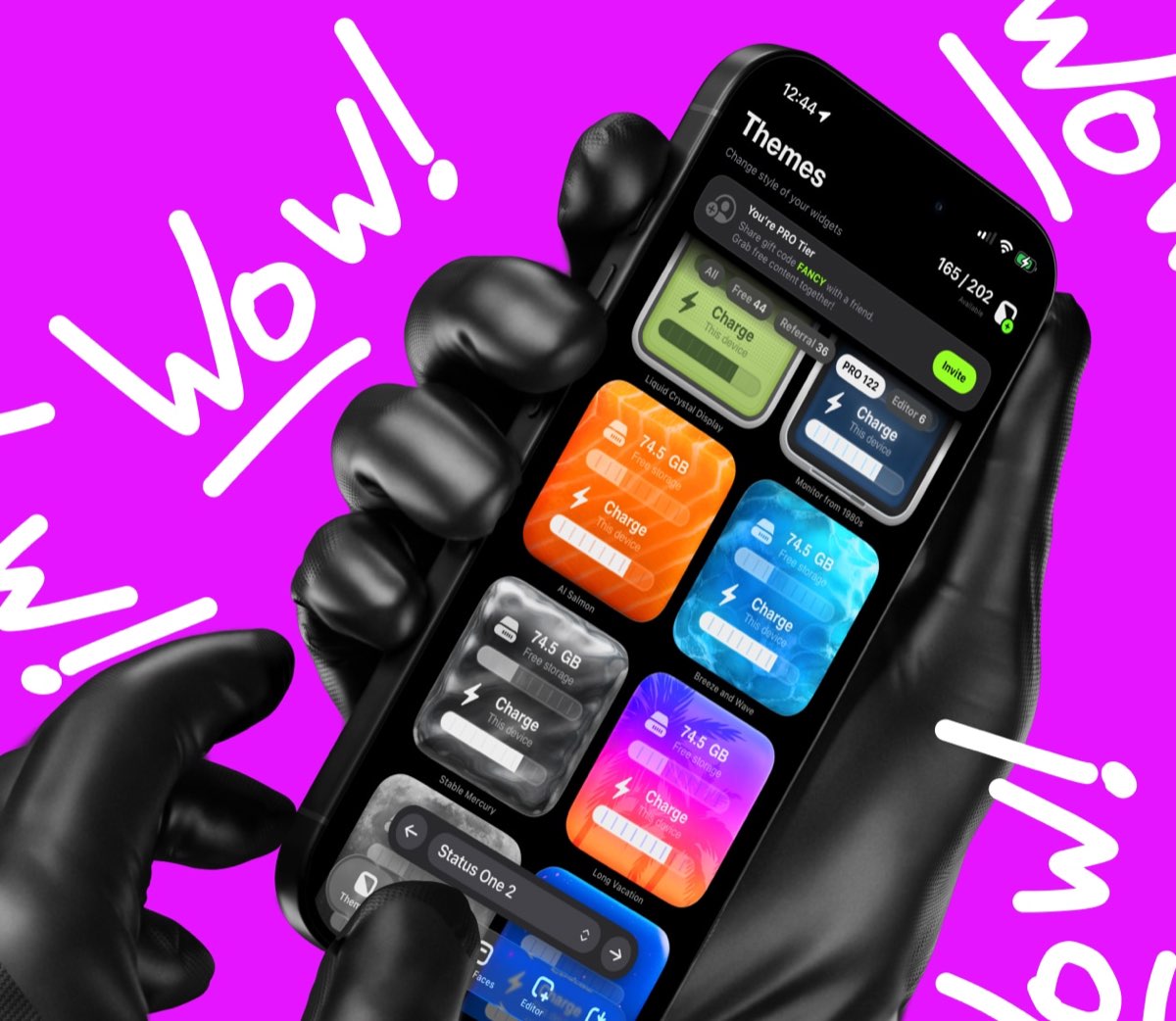
This broad theme view establishes midnight violet, black plum, lavender, and cool white before individual cards are tuned.
Create the theme in four deliberate steps
- Choose the mood. Start from this design brief: Violet creates a softer night mood than red or electric blue while still feeling imaginative. Select a wallpaper that supports an evening theme that feels expressive without producing glare or muddy text.
- Select a base theme. Browse Be My Widget's 200+ themes for a foundation suited to night owls, gamers, and users who want a calm futuristic palette. Favor midnight violet, black plum, lavender, and cool white.
- Personalize it. Follow this direction: Use deep violet gradients behind opaque dark cards and pale lavender accents. Then adjust tint, contrast, blur, and crop until the information remains easy to read.
- Repeat one cue. Carry the palette through two real tests: Create an evening clock page. Style a game countdown.
Contrast test: Use a galaxy photo card. Consistency test: Keep notes on nearly opaque surfaces. Good iphone widget themes preserve each card's job.
Ways to use this visual direction
- Fast check: Create an evening clock page.
- Planning moment: Style a game countdown.
- Shared context: Use a galaxy photo card.
- Personal cue: Keep notes on nearly opaque surfaces.
Design check: Take a screenshot after this use case: Create an evening clock page. Identify what attracts attention first. If the palette—midnight violet, black plum, lavender, and cool white—overwhelms the useful value, simplify the background or strengthen the type contrast.
Pair atmosphere with readable widgets
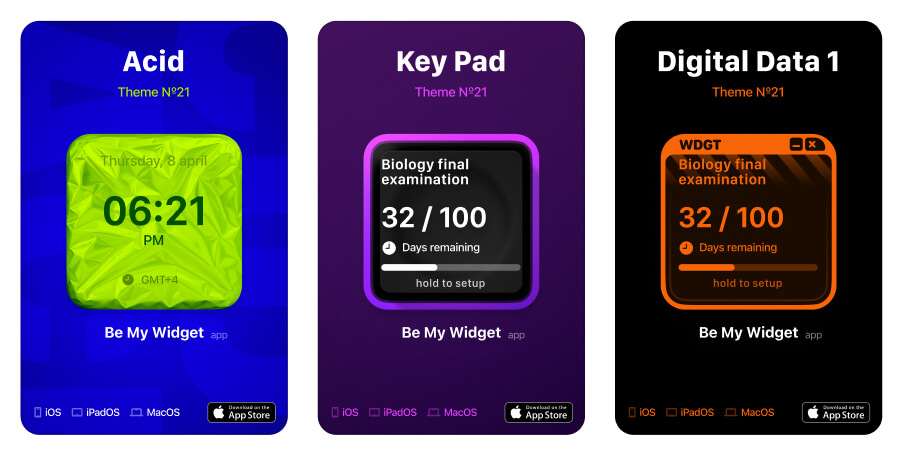
The detailed example turns an evening theme that feels expressive without producing glare or muddy text into a readable widget system.
Expressive test: Create an evening clock page. Calm test: Style a game countdown. This helps night owls, gamers, and users who want a calm futuristic palette create an intentional custom home screen iphone layout.
Test the screen by day and night. First, use a galaxy photo card. Then, keep notes on nearly opaque surfaces. Small changes to midnight violet, black plum, lavender, and cool white and font weight improve hierarchy.
Frequently Asked Questions
Will this theme work with a busy wallpaper?
Yes, if you add enough contrast. Use blur, a darker overlay, or a quieter crop behind text-heavy widgets and test the result in both bright and dim conditions.
Do all widgets need the same color?
No. Repeating one accent, one neutral, and one typography style usually feels more intentional than forcing every card to look identical.
Can I make a personal version?
Yes. Start with a Be My Widget theme, then use Theme Editor to add your own image, tune color and brightness, and save a version that fits your wallpaper.

Build a Home Screen That Helps
Be My Widget brings 28+ widgets, 200+ themes, and Theme Editor tools into one flexible visual toolkit. Start with the useful job described in this guide, then make the result feel personal.
Keep the layout focused, verify changing information at its source, and let every glance move the day forward.